
Thunderdog Delivery
Lightning Fast Same-Day or Rush Delivery Services
Get your item delivered fast with Thunderdog Delivery with locations in Indiana, Illinois, and Arizona.



How To Order
Ship on the move with Thunderdog Logistics in 4 simple steps—starting with setting up your profile online.
Create An Account Required
Simply click the "Schedule Your Delivery" button in the website's top main navigation menu to start registration/create an account. Check your email for your unique customer login number.
Select Order Type
Log in to select your needs: Standard (this option Auto defaults picking up from you and going to the delivery destination), Pick Up, or use 3rd Party Delivery (this option is for both pickup and delivery elsewhere).
Provide Details
Provide addresses & contact info, item count/weight, select a window (2hr, 3hr, 4hr, EOD), vehicle (car/truck/van), and any helpful driver notes.
Set Up Payment
Provide a credit card on your first request and verify by calling us at (888) 448-8364. Ongoing clients can apply for handy bi-monthly invoicing.

Why Choose Us
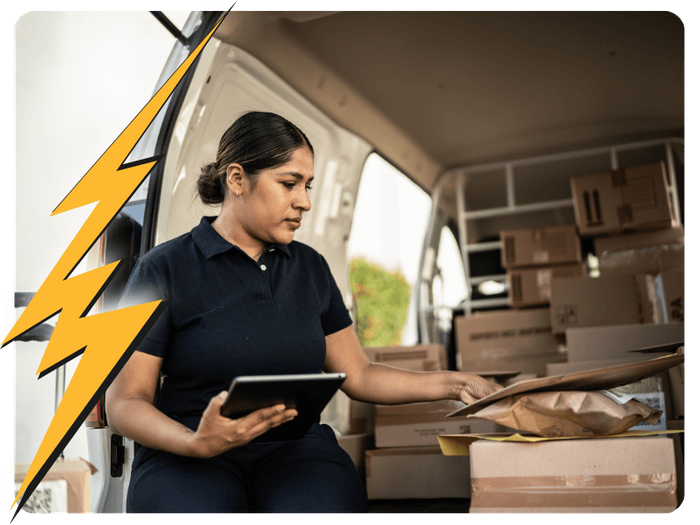
Choosing Thunderdog Delivery means choosing a partner who values transparency, reliability, and efficiency. Here’s why we stand out:
Flat Rate Pricing: No hidden fees or peak hour surcharges—just predictable, consistent pricing.
Speed and Efficiency: We deliver your items lightning-fast, whether it's same-day or rush delivery.
Versatile Services: From documents to heavy loads, we handle a wide variety of delivery needs.
Multiple Industry Services: We proudly serve a wide range of industries, from real estate to medical, construction, and more.
Reliable and Trustworthy: From documents to heavy loads, we handle a wide variety of delivery needs.

I am happy to say that Thunderdog is the official courier of the Seattle Mariners.
“We started using Thunderdog Delivery to pick up our outgoing mail everyday after our old courier became unreliable. We have been using Thunderdog since September of 2018. Thunderdog shows up everyday right on time. I work for a big organization that sends out a lot of confidential and time sensitive mail. I would recommend Thunderdog Delivery to anyone. I am happy to say that Thunderdog is the official courier of the Seattle Mariners."
- R.J. Sanchez
Manger of Shipping and Receiving for the Seattle Mariners
Absolutely Amazing!
“Thunderdog Delivery has been absolutely amazing! We truly appreciate our partnership with them and is our go to delivery company!"
From all of us at The Seattle Seahawks
They’re not just a vendor to us, but a partner.
“We can’t say enough great things about Thunderdog! They’re fast, responsive and reliable. They always help us whether we’ve planned ahead or reached out at the very last minute. We couldn’t manage our day to day requirements without them! We work for a company that requires large and small pickups and deliveries. No job has been too big or small! They’re not just a vendor to us, but a partner. We would recommend them to anyone. 5 stars every day!"
-Danielle Kimmel

Experience the Thunderdog Delivery difference today.
Let us handle your delivery needs with the speed and reliability you deserve.